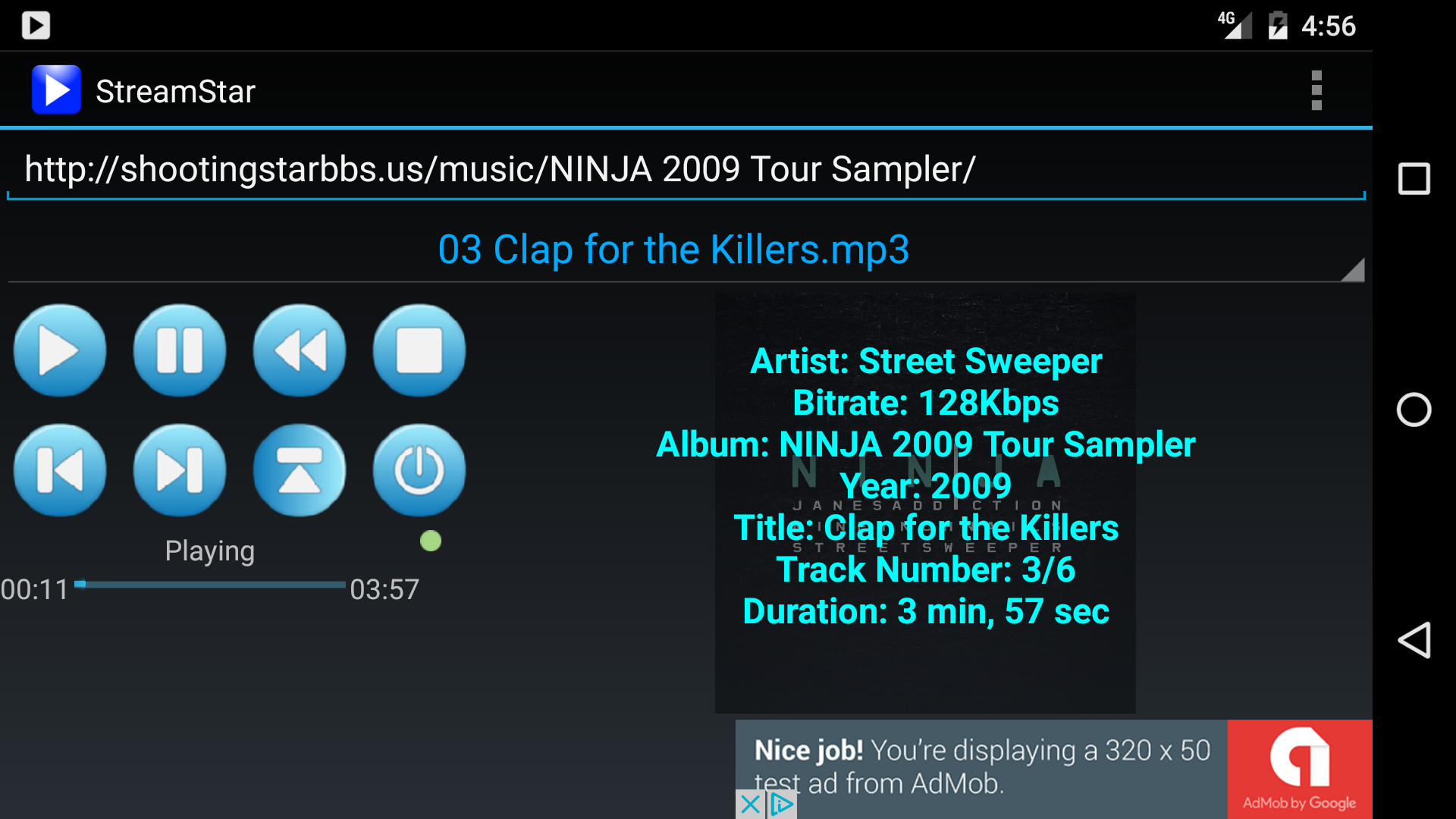
StreamStar is a streaming music app for devices running the Android OS. It is designed to stream music remotely from a web server using HTTP without having to first upload music files to a cloud service or install proprietary software. All that is required is a standard web server running on a PC or other hardware device.
The web server must be configured
lighttpd this is accomplished by
editing the lighttpd.conf
file and setting dir-listing.activate = “enable” (more info about configuring
lighttpd can be found
here.) There are versions of lighttpd available for many platforms, including
Windows. Other web servers can also be used, including
IIS and
Apache.
Once the web server is configured to display and serve your files (verified by opening the URL in a web browser), you can attempt to make a connection using StreamStar. Just type the URL into the text box and press the Play button. If successful, the drop-down box will show a list of directories and files on your web server that you can then select to navigate/play. Note that the URL should point to a directory and not to a file. For an example see https://shootingstarbbs.us/music.
StreamStar has the ability to stream from localhost (127.0.0.1). This is very useful for securing your web server and music files using SSH tunneling/port forwarding. this guide on enabling. Use port forwarding to forward your web server's port # to a local port # on your Android device. In StreamStar, specify a URL of “http://localhost:port” where port is the local port you chose. To enable the native SSH support, you need to enter your SSH server and login information under Settings. Alternatively, you can use another app to provide this functionality.